
General dentistry
- Cleanings and preventive care
- Fillings and cavities
- Root canal therapy
- Extractions
- Periodontal care
- Fluoride treatments
Website builder for dentists and dental practices
Build your dental practice website free with AI and review the full site before you pay. Describe your office once and CreateWebToday organizes treatments, emergency hours, location, and a tap-to-call or text button — no agency, generic templates, or technical skills required.

What happens today
In dentistry, decisions happen in minutes: pain, a quote, or a overdue cleaning. Whoever shows up first with useful information — and an easy way to reach out — wins the patient, even if they are not the best clinician in town.
A cracked molar at 10 p.m., a Sunday, or while you are on vacation. If your Google Business Profile does not say whether you handle emergencies or how to reach you, the patient calls the office that does.
Orthodontics, implants, root canals, whitening, and smile design live in social posts nobody finds two weeks later. A website keeps them visible and linked to your contact options year-round.
Many people will not text to ask what something costs. Explaining ranges, financing, or whether you take insurance unlocks messages that never arrive today.
Without an address, map, real office photos, or license information, patients hesitate — especially on high-ticket work like implants or braces.
“Where are you?”, “What are your hours?”, and “Is there parking?” repeat all day. A good website answers them without tying up your team.
Sharing only a social profile on a business card or in Google Maps looks less serious than youroffice.com.
How your site is structured
This is not a generic “local business” page: it follows the order patients actually scan before they contact a dentist. AI fills it with your services, your neighborhood, and your real hours.
“Dentist in Midtown · General dentistry and orthodontics.” Patients first confirm you are nearby and that you handle what they need.
A fixed strip with real hours, whether you see emergencies, and a direct call or text button. Often the highest-click block on the page.
Cleanings, fillings, root canals, braces, implants, whitening — each explained in patient language with its own button to request a quote.
Real photos, license details, training, sterilization, and technology (digital X-rays, intraoral scanner). Where expensive treatment decisions get made.
Embedded map, neighborhood, driving directions, and transit notes. Fewer no-shows and fewer “where are you?” calls.
Sticky call-to-action, a short form, and a privacy notice. Patients reach you from their phone without hunting for your number.
Office does not fit this order? In the editor you move, remove, or add blocks without touching code.
Your services, in patient language
Select the services you offer when you build your site and AI drafts each block with benefits, typical timing, and an invitation to request a quote. No unrealistic medical promises.
Add your own services too: if you use a specific technique or brand, describe it exactly as you offer it.
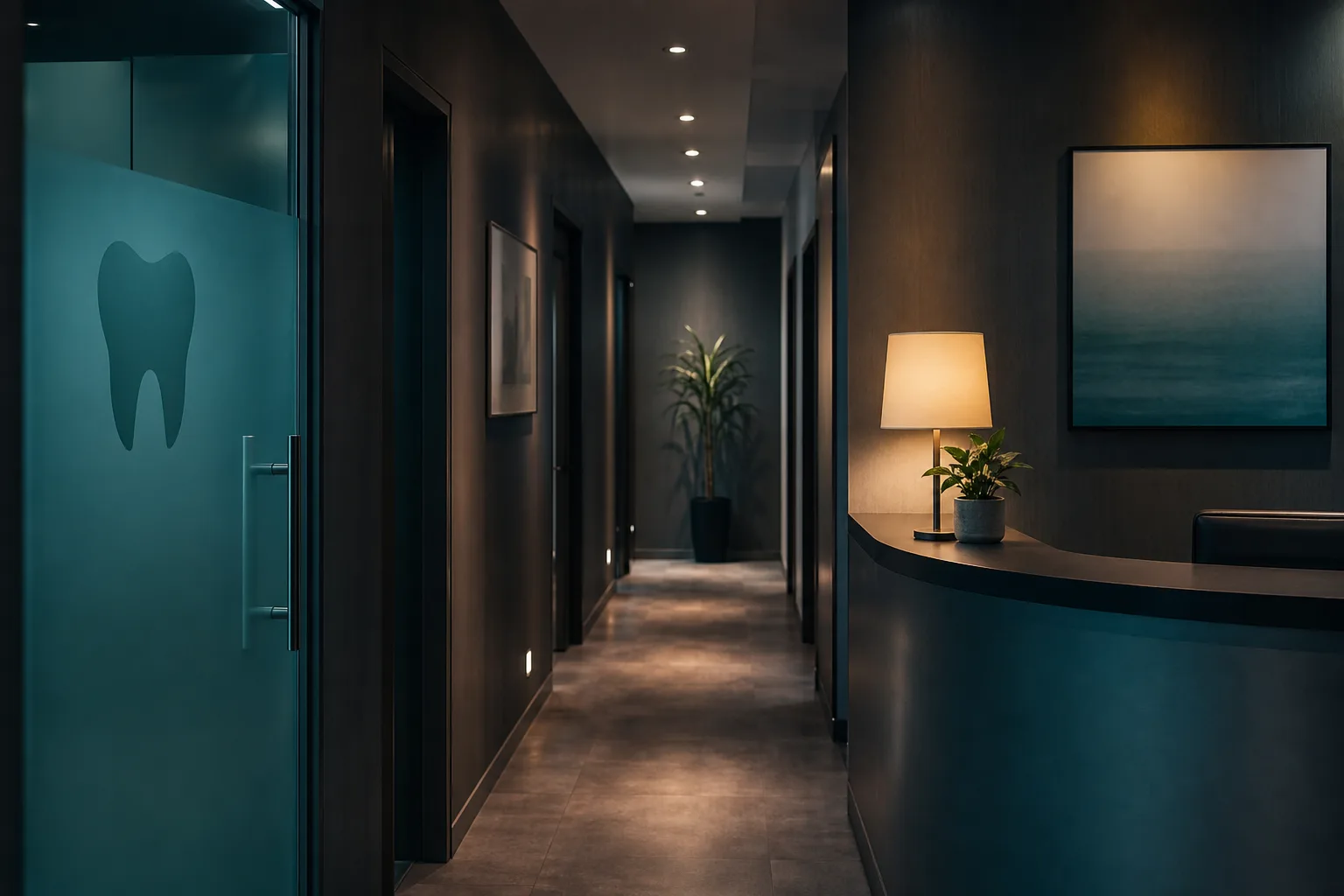
Use case
Many practices run on a Facebook page and word of mouth. That works — until a new clinic opens three blocks away with its own site, reviews, and a booking button. Suddenly patients who searched “dentist near me” stop finding you.
With CreateWebToday you describe your practice once — name, neighborhood, services, hours, emergency policy — and AI proposes designs and generates the full site. You adjust copy, upload real office photos, and publish on your own domain.
When hours change, you add a specialist, or you run a cleaning special, you edit from your dashboard. No waiting on whoever “built the site” to reply.
Trust elements
In dental care your website is the digital waiting room: order, cleanliness, and professionalism matter. These blocks are ready to fill with your real information.
Full name, dental school, specialty, board certification, and professional associations. Make it obvious a licensed clinician runs the practice.
Reception, operatory, sterilization area. A real photo communicates hygiene better than a stock image or logo alone.
Space for your best Google reviews and a link to your Business Profile, where many patients make the final call.
Cards, CareCredit, HSA/FSA, insurance, or in-house plans. Removing payment doubt speeds up the first visit.
Cancellations, late arrivals, what the first exam includes, and whether there is a consultation fee. Fewer surprises at check-in.
Your site can include a privacy notice for contact forms. You control what case photos publish and whether you have patient consent.
Example angles
AI does not paste one template: tone, order, and emphasis shift based on the practice you describe in the wizard.
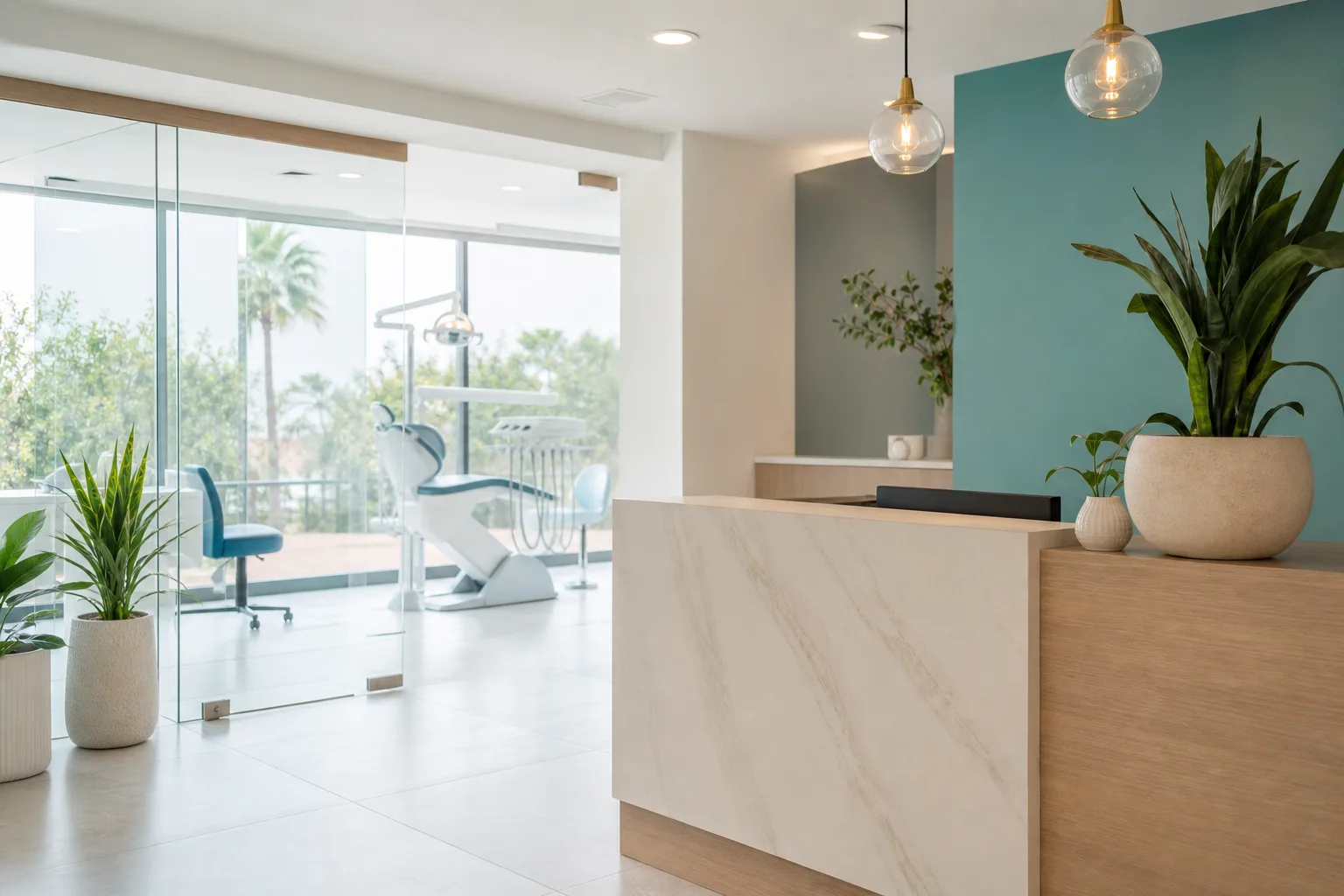
Warm tone, emphasis on pediatric care, six-month cleanings, extended hours, and packages for households.
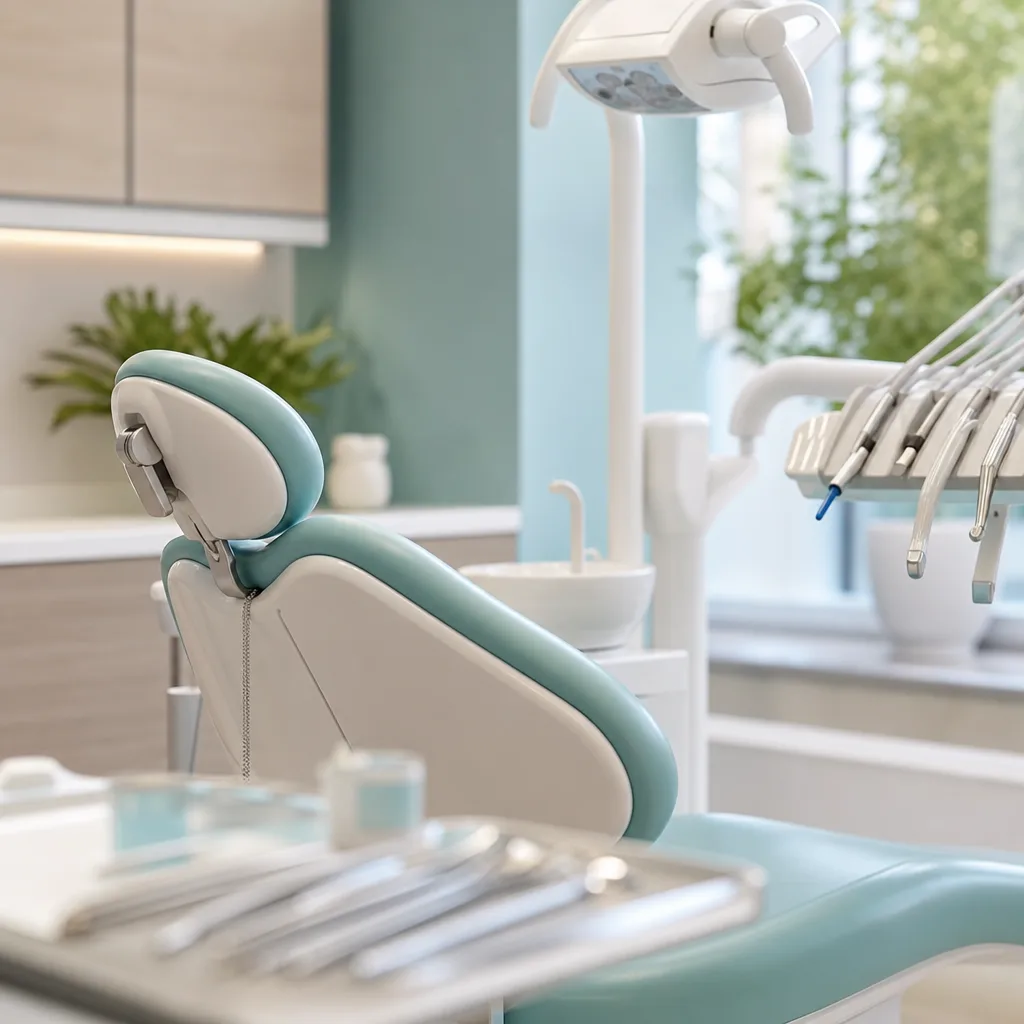
Premium feel: step-by-step process, technology, before/after cases with consent, and financing for longer treatment plans.
Immediate contact at the top, extended hours, service area, and what to do while you are on the way for pain, fractures, or knocked-out teeth.
Build your website free
Build and review your full dental site at no cost, with no card and without waiting weeks for a first mockup. You only choose a plan when you decide to publish with your domain.
Name, neighborhood, services, hours, phone, and text line. Upload office photos or your logo in the same flow if you have them.
Review 12 proposals tailored to dentistry, choose one, and we generate your complete website — free and with no card.
Edit copy by hand. When you activate your plan we publish on yourpractice.com with hosting and SSL; AI editing unlocks at publish too.
Local search
Your site is generated with the structure search engines use to understand what you do and where: titles, descriptions, local business data, and fast mobile performance.
Name, address, phone, hours, and business category publish in structured format search engines read.
Most urgent dental searches happen on a phone. Your site loads quickly and keeps contact one tap away.
Each service uses the words people search, alongside your city and neighborhood — not jargon alone.
Your Profile, social accounts, and business cards can point to the same domain: stronger signals and a more serious image.
Resources for dental practices
Building the site is step one. These guides help you review what you can advertise, what privacy copy you need, and what it costs to run a professional site in the U.S.
Review FTC and state rules for dental marketing, what claims to avoid, and how to describe services responsibly.
Compare domain, hosting, design, maintenance, and DIY options before you choose how to publish your practice site.
See when a Facebook or Instagram presence is enough — and when you need a site patients can find on Google.
What registrars charge, what is included with CreateWebToday, and how to pick a domain patients will remember.
Why CreateWebToday
You focus on patients; we help your site look professional, stay online, and change whenever you need.
Build your full site free: see 12 designs, review everything, and pay only when you publish.
yourpractice.com (or the domain you choose) with security certificate and hosting in one plan.
New associate, holiday hours, cleaning special: change it in the visual editor or with AI.
Same domain on Google Business Profile, Instagram, cards, and office email signatures.
Pricing in USD and a team that answers during U.S. business hours.
Download your content and take your domain when you want. No lock-in.
Comparison
They are not competitors: social starts the conversation, your site closes the appointment. The problem is relying on social alone.
Clear pricing
No upfront design fee, no separate maintenance invoice, and no per-edit charges.
Explore designs with no card on file. Annual plans include a 7-day refund under the terms published at checkout.
Dentist questions
Yes. With CreateWebToday you can build your complete practice website, review 12 design options, edit copy, and make changes without entering a card. You only pay if you decide to publish with your own domain, hosting, and SSL.
Yes, and you should. In the wizard you enter your professional name, license, school, and specialties; AI weaves them into serious copy and you approve everything before publish.
Yes. The layout puts immediate contact up top for pain cases and explains planned treatments like braces, implants, or cosmetic work further down.
Yes. Upload images during setup or swap them later in the editor. For patient photos or before/after shots you need consent; you decide what goes live.
Yes. You can add click-to-call, SMS/text links with a pre-filled message, and an embedded map with your exact location and parking notes.
AI generation takes minutes. Most practices review copy, upload a few photos, and publish the same day.
No. If you can text a patient, you can use the wizard. We handle domain, hosting, and the security certificate.
No. Many offices show ranges or “complimentary consultation” and quote in person. You choose what appears.
No. Your site includes a solid technical and content foundation for SEO, but rankings depend on your city, competition, reviews, Google Business Profile, and time. Be wary of anyone who guarantees first place.
Often even better: with your neighborhood, map, and phone visible you compete well against practices that only have social media.
Yes. Present each provider with photo, specialty, and credentials, and route contact to front desk or individual lines.
Build your dental practice website today: choose from 12 AI designs, review the full site, and publish on your own domain when you are ready.
Create my website for freeNo card · Pay only when you publish