
Choose your domain
Choose your domain
Search for an available one or connect the domain you already own.
Your domain is the address people find you at: yourbusiness.com. It's the first of the three remaining steps (domain → plan → payment), and nothing is charged here yet.
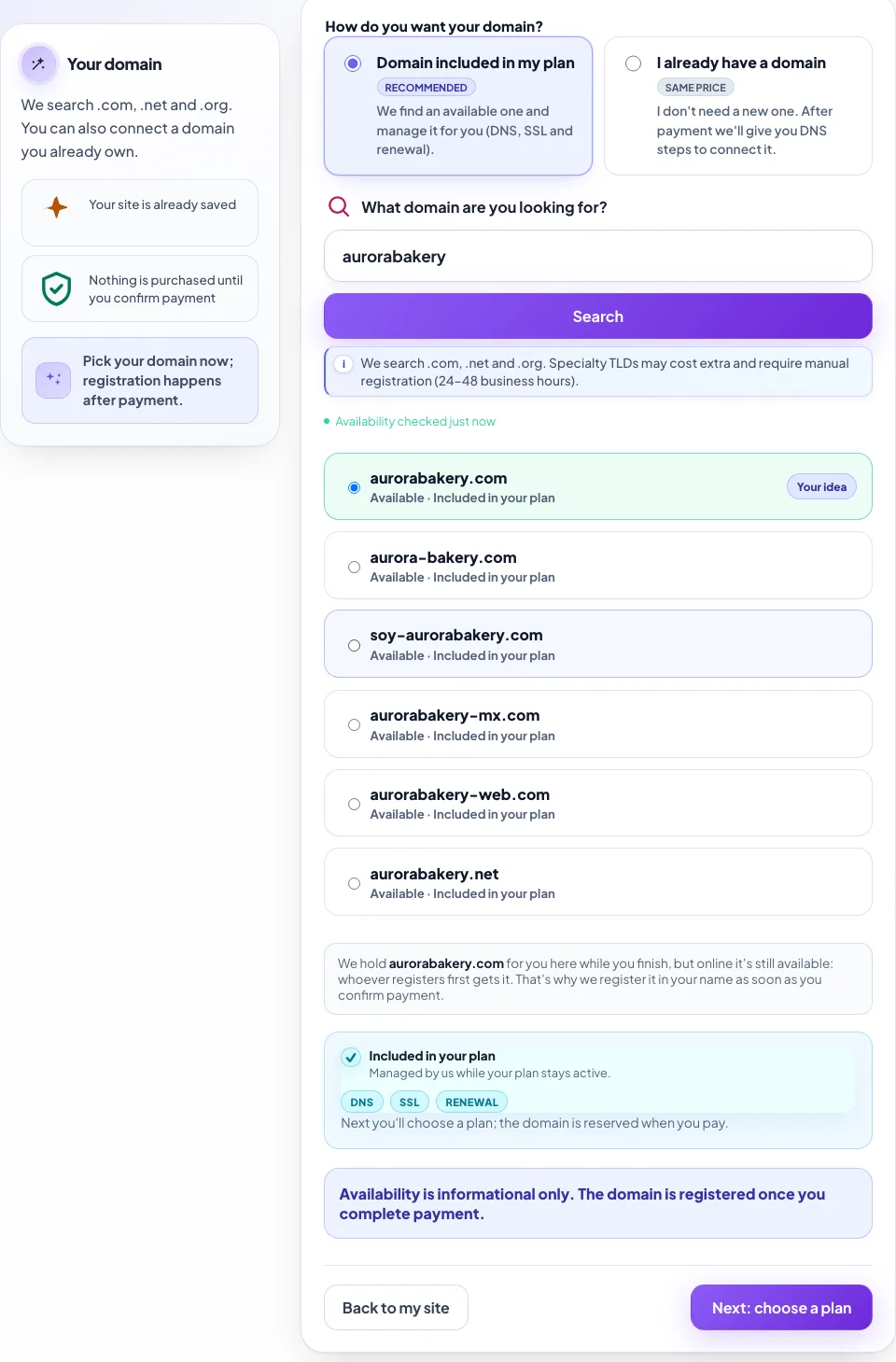
- 1Two ways to have one: we include it, or you connect a domain you already own.
- 2Type your idea and search. Your business name works — no dots, no .com needed.
- 3The available options. The first is your exact idea, if it was free.
- 4We hold it while you finish, but online it stays available until you pay.
Option 1 · Domain included in your plan
This is the recommended one and costs nothing extra: we register it in your name and handle everything technical — DNS, security certificate and renewal — for as long as your plan is active.
We search across .com, .net and .org. If your exact idea is taken, we suggest available variations.
One tip when choosing: shorter is better, and it should be easy to say out loud over the phone. Hyphens and numbers get lost when someone has to type it from memory.
Specialty domains
Some country and specialty extensions cost extra on top of your plan and have to be registered manually, which takes 24 to 48 business hours. The search marks them clearly when that's the case. Your site is built either way — what waits is the domain becoming active. If you're in a hurry, a .com gets you online in minutes.
Option 2 · I already have a domain
If you bought your domain elsewhere (GoDaddy, Namecheap, Cloudflare, your hosting provider), you can connect it. It costs the same: we don't discount for bringing your own, but we don't charge extra either.
Type it without https:// and without www. After you pay:
- We show you the DNS record you need to create.
- You go to wherever you bought the domain and add a CNAME pointing to
connect.creatuwebhoy.com. - You come back and hit verify. Once the change propagates — usually minutes, sometimes hours — your site goes live.